The workflow
Four steps from raw file to published episode.
Your active time: under 15 minutes. Dubhalo handles the rest while you make coffee.
01
Upload your raw recording
Drag in the raw file — MP3, WAV, M4A, AAC, MP4, or MOV. Up to 4 hours per file. For video, Dubhalo extracts the audio track automatically. No pre-processing needed on your end.
Drag your recording here, or click to browse
Processing audio…
02
Dubhalo cleans the audio
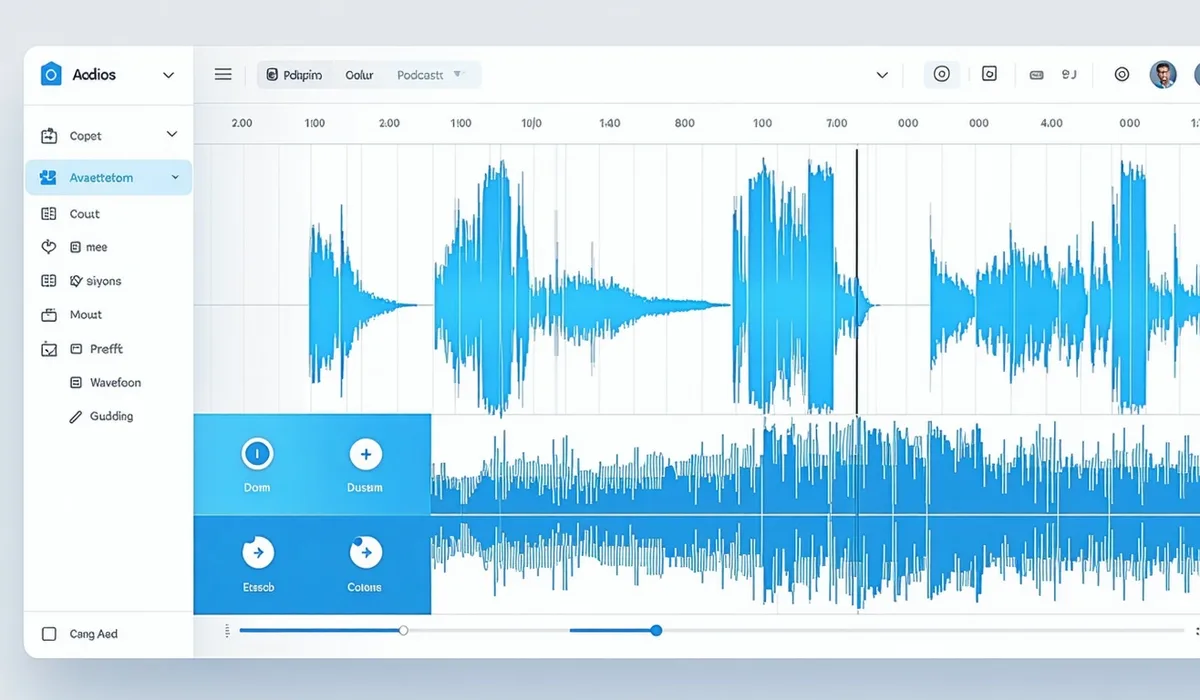
The model scans every second of the waveform. Silence gaps above your threshold (default 0.8s) are trimmed. Filler-word spans — um, uh, you know — are tagged for removal. Speaker diarization labels each voice in the transcript. A chapter structure is drafted from topic shifts. Most 2-hour files complete in under 10 minutes.

03
Review and adjust
Skim the timeline at 1.5× playback. Each removed clip shows in amber — click to restore any one of them. Edit chapter titles inline, rename speaker labels, fix any transcription errors. Nothing is committed until you hit export. Most creators spend 10–15 minutes here.
04
Export or publish directly
Download the cleaned audio (MP3 or WAV), the chapter file, the transcript in your choice of TXT, SRT, or VTT — or push everything directly to your podcast host. Buzzsprout, Transistor, and Spotify for Podcasters are supported. RSS works with any host that accepts a direct file URL.
Export formats
Publish to host