What Dubhalo does
Five features. One completed episode.
Silence removal, speaker-aware transcription, chapter markers, voiceover drop-in, and direct host publishing — the full post-production pass, handled before you finish lunch.
Silence & filler removal
Cut the dead air. Keep the conversation.
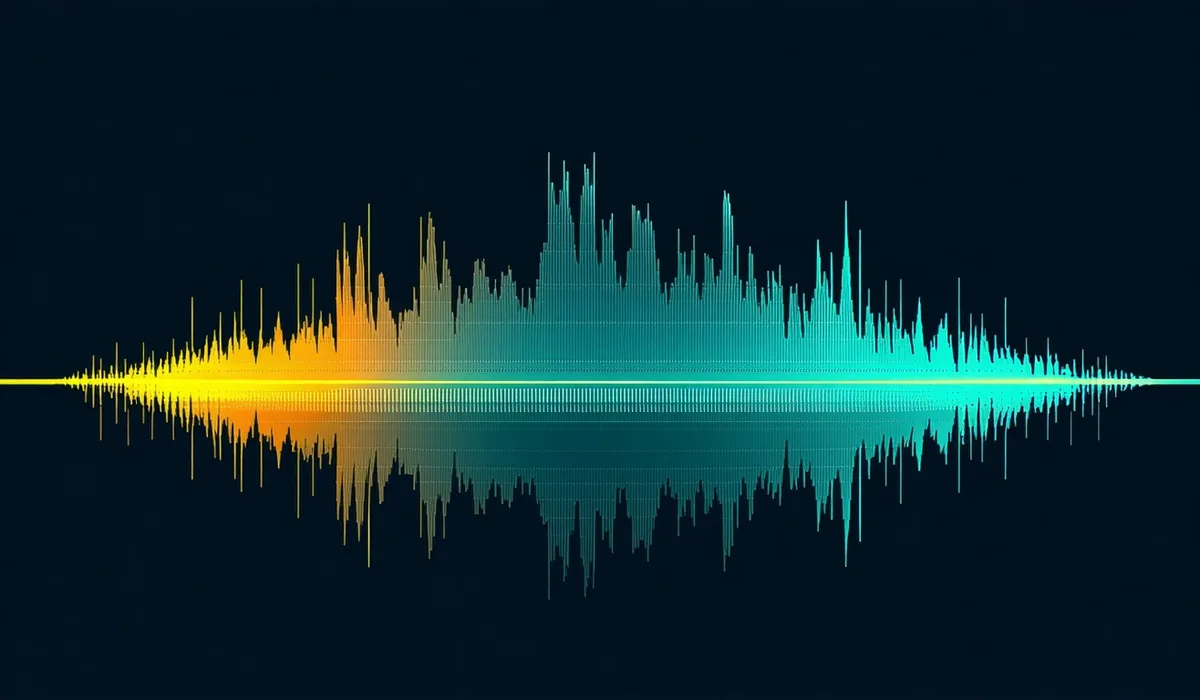
The model scans your waveform and flags silence gaps above your set threshold, filler words (um, uh, you know, like), and botched takes. You set the sensitivity — tighter for fast-paced interview shows, looser for narrative formats where breathing room matters. Every flagged clip shows on the timeline before you export. Restore anything with one click.
Transcription
Transcription that gets names right
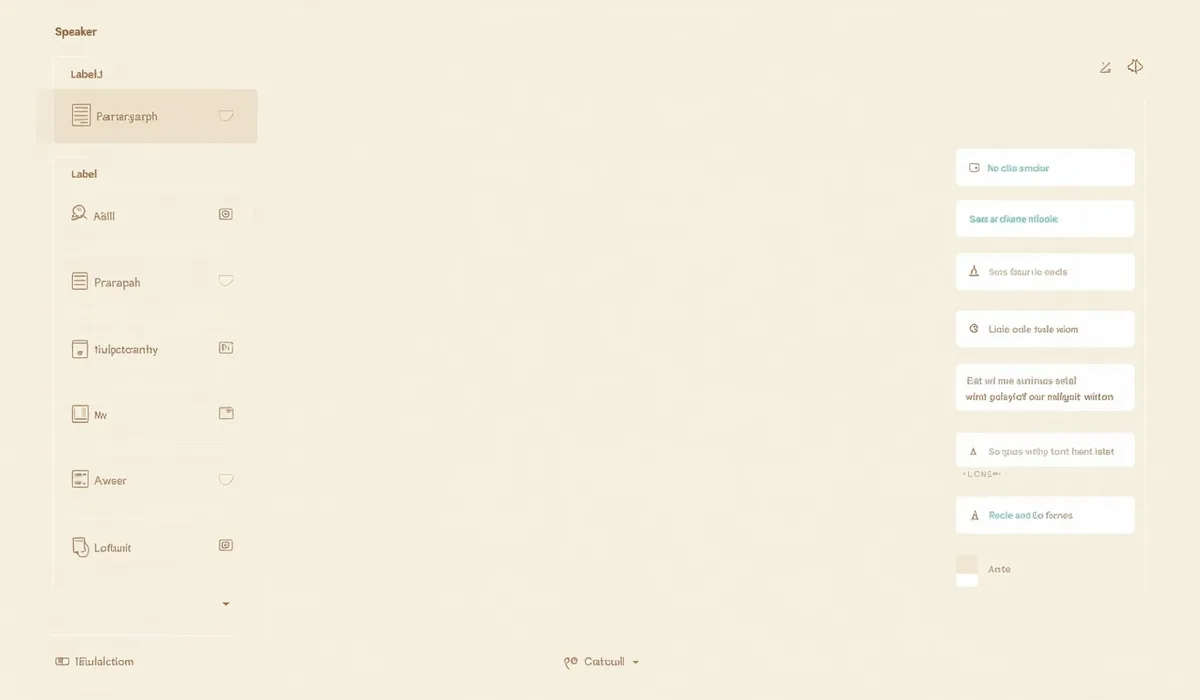
Speaker diarization labels each voice in the transcript, so multi-guest recordings read cleanly without manual attribution. The model handles proper nouns and accents better than general-purpose speech engines because it was tuned on conversational audio, not broadcast reads. Export as SRT or VTT for captions, plain TXT for show notes and accessibility, or both at once.
Chapter markers
Chapter markers that listeners actually use
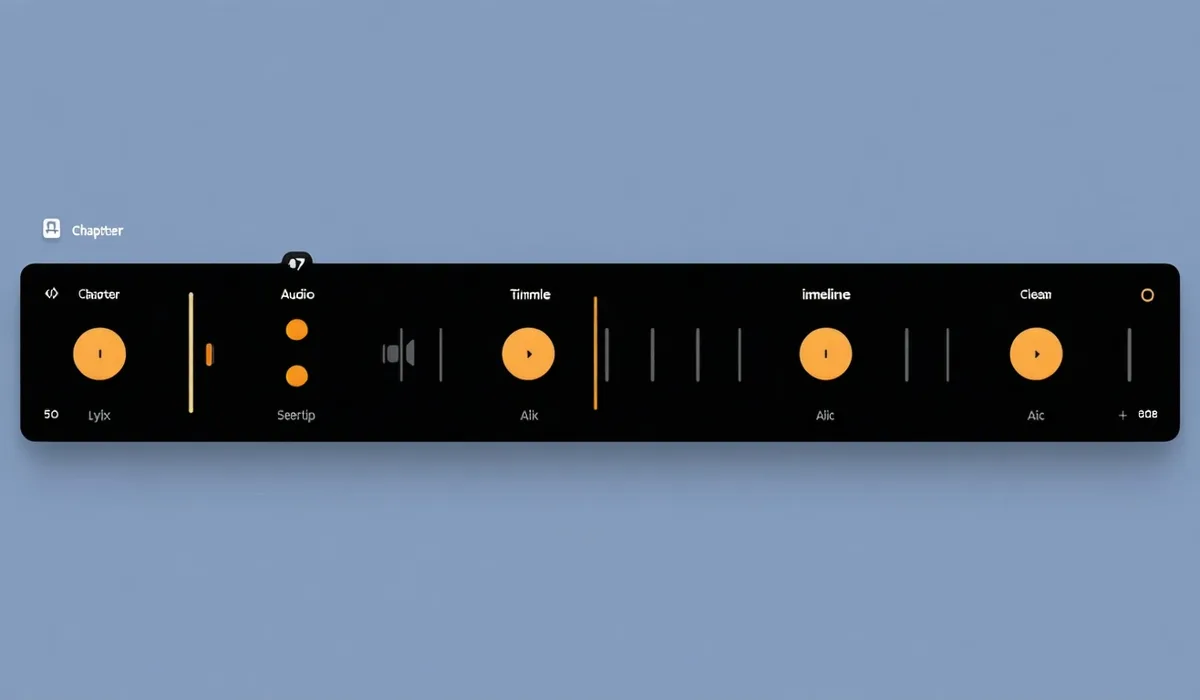
Topic detection reads the transcript and groups your conversation into named chapters. Timestamps snap to a clean audio cut — never mid-word, never mid-silence. Edit the chapter titles, drag to reorder, then export. Chapters come out in Spotify Chapters JSON, Apple Podcasts Chapters format, and YouTube description timestamp format in the same export pass.
AI voiceover drop-in
Voiceover for pickups, not replacement
Use it when a single line needs a re-read and re-recording isn't worth it — a flubbed intro, a sponsor mention that needs updating, a bridge between two takes. Choose from 40+ neutral voices, dial in the speaking pace to match your recording, and place the clip on the timeline. Dubhalo does not clone voices or create persistent persona profiles. Clean narration drop-ins only.
Publishing
Publish to your host from the same screen
Connect Buzzsprout, Transistor, or Spotify for Podcasters in settings once. When your episode is ready, push the clean audio file, chapter metadata, and transcript to your host in a single action. You can also download everything as a ZIP — audio, chapters JSON, SRT, and TXT — if you prefer to upload manually or publish via RSS.